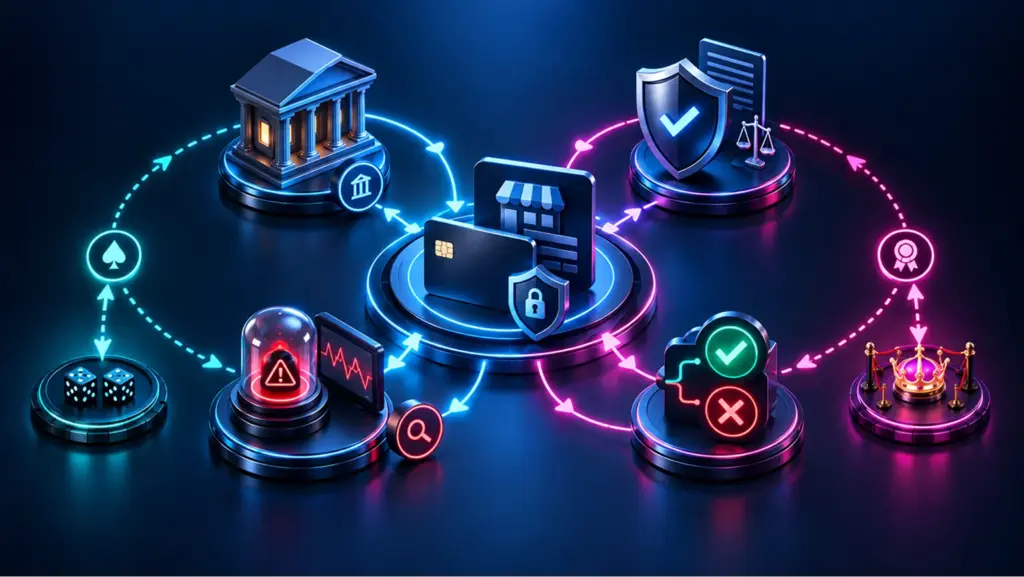
Why Your Business Needs Online Payments
- Sell globally without opening local offices
- Automate billing and reduce manual work in finance
- Accelerate cash flow with faster authorization and settlement visibility
- Collect cleaner data for reconciliation, analytics, and forecasting
Key Benefits of Accepting Payments Online
Better conversion and customer experience
Faster operations and fewer errors
Scalable monetization
Choosing Payment Methods Based on Business Model
-
For ecommerce stores
Online card payments and digital wallets should form the foundation, supported by BNPL for higher-value purchases. Speed and simplicity matter more than advanced customization. -
For subscription and SaaS businesses
Recurring billing reliability is critical. Failed payments directly cause churn, so retry logic and card updater tools matter more than the number of methods offered. -
For service providers and consultants
Payment links and invoices are often the fastest way to receive payments online without investing in a full checkout flow. -
For marketplaces and platforms
You’ll need split payments, payout scheduling, and clear reporting – features that go beyond basic processing.
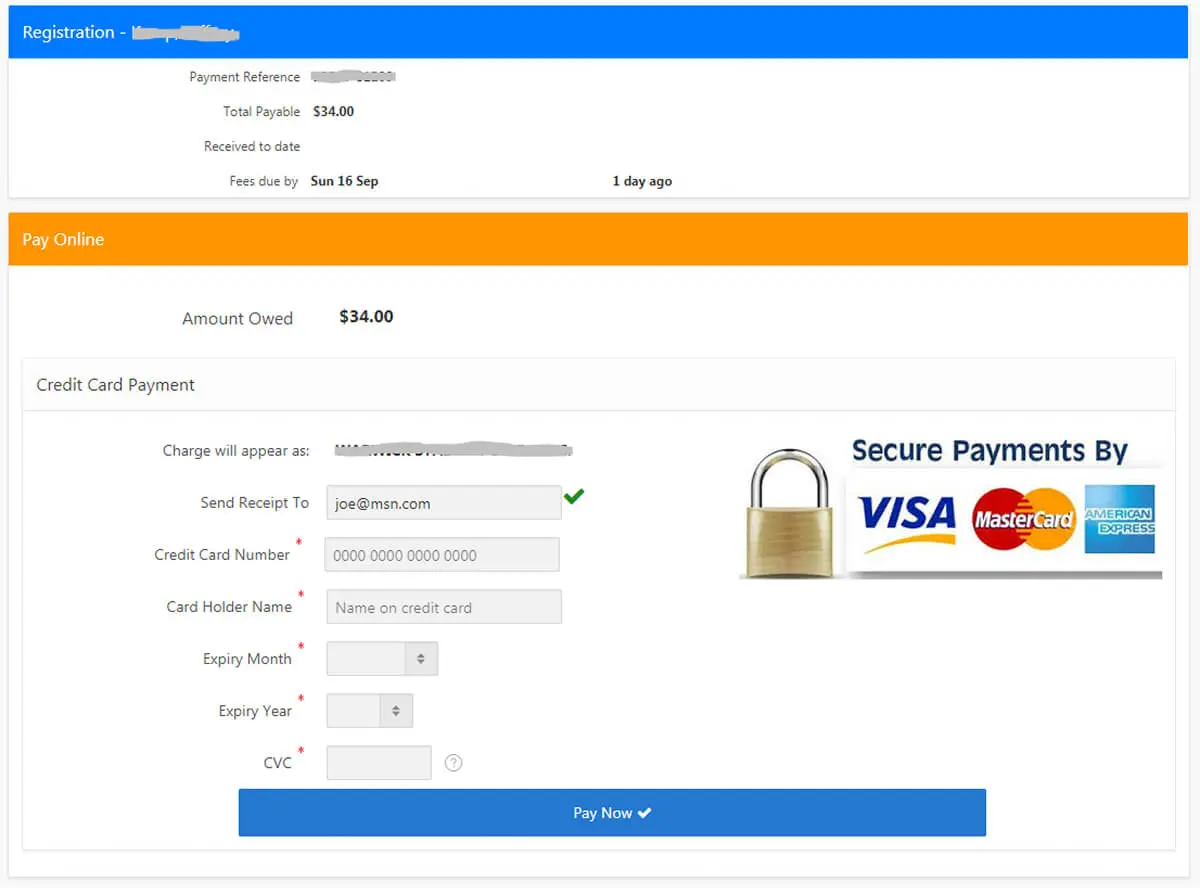
Common Mistakes When Accepting Payments Online
-
Offering too many options at once
While flexibility matters, overwhelming customers with choices can slow decision-making and increase abandonment. -
Ignoring mobile behavior
Desktop-first checkout flows perform poorly on smartphones, even if traffic is mobile-heavy. -
Treating payments as “set and forget”
Authorization rates, fraud rules, and retry logic need regular review. -
Optimizing only for fees
The cheapest processing option is rarely the most profitable once conversion loss and support overhead are considered.
Guest Checkout and Conversion Optimization
- minimize required fields,
- auto-detect card type and country,
- clearly show security signals,
- confirm success instantly.
Market Snapshot: What’s Changing (2024–2027)
- Wallet adoption keeps growing. Worldpay projects digital wallets will reach $25T+ in global transaction value by 2027 and represent 49% of online + POS sales value.
- Ecommerce continues expanding. Shopify’s industry summary forecasts global ecommerce sales rising from $6.42T (2025) to $7.89T (2028), with 2026 at ~$6.88T and ~21.1% of total retail.
Practical takeaway: if you don’t support mobile payment options and local preferences, you’re competing with a handicap.
Getting Started: A Practical Setup Checklist
-
Define requirements (business model + geography)
Are you ecommerce, subscriptions, services/invoicing, or a platform? Do you need global payment acceptance (multi-currency, local methods)? -
Pick an integration approach
- Hosted checkout (fastest time to launch; lower PCI scope)
- Embedded components/APIs (more control; more engineering)
- Payment links & invoices (great for services and quick selling)
-
Enable core methods
Start with credit card acceptance online plus at least one wallet and one “low-friction” option for your audience. -
Add security controls Tokenization
, 3DS where needed, risk rules, and monitoring for secure online transactions. -
Test edge cases Declines
, partial refunds, recurring failures, disputes, and currency conversions – before you scale spend.
Stripe’s quick-start guidance aligns with this “requirements → processor → integration → testing” approach.
Online Payment Methods: What to Offer (and Why)
1) Cards (credit/debit)
2) Digital wallets (Apple Pay, Google Pay, PayPal)
3) Bank transfers / A2A
4) BNPL
5) Payment links & invoices
6) In-person “tap to pay” add-on (optional)

Comparison Table: Pros and Cons by Method
| Method | Pros | Cons | Best fit |
|---|---|---|---|
| Cards | Universal acceptance, subscriptions-friendly | Fees, chargebacks, fraud pressure | Most merchants |
| Wallets | Faster mobile checkout, fewer form fields | Device/region dependency | Mobile-heavy audiences |
| Bank transfer/A2A | Potentially lower fees | Slower confirmation, different fraud types | B2B, high-ticket |
| BNPL | Higher conversion and AOV | Extra costs, settlement complexity | Retail/ecommerce |
| Payment links | Fast launch, no dev-heavy build | Less control over UX | Services, early-stage |
| Crypto (optional) | Niche audience fit | Volatility, compliance complexity | Specialized markets |
Accepting International Payments: What Actually Breaks
- higher decline rates due to issuer rules,
- unfamiliar local payment preferences,
- currency conversion transparency,
- increased fraud exposure.
Fees and Models: What You’re Really Paying For
- Processing fees (percentage + fixed)
- Cross-border + FX
- Chargebacks/disputes
- Fraud tooling (built-in vs add-on)
- Engineering time (hosted vs custom)
Fast comparison: Hosted checkout vs fully custom
| Model | Strength | Trade-off |
|---|---|---|
| Hosted checkout | Speed, lower PCI burden | Less UI control |
| Embedded/API | Full UX control | More dev + compliance overhead |
| Links/invoices | Fastest to launch | Least branded experience |
Case Studies: What “Good” Looks Like in the Real World
Case 1: Mobile ordering & custom experiences (Square x Blue Bottle)
Lesson: if your value is speed and convenience, optimize the payment flow inside the customer journey (mobile order, pickup, repeat purchase)..
Case 2: Scale across hundreds of locations (Square x HOTWORX)
Lesson: unified reporting + consistent acceptance matters more as locations/channels grow.
Case 3: “No-code” collection for services
Lesson: the fastest way to receive payment online can be links/invoices – especially for B2B and services..
Payment Costs and Business Economics

- per-transaction fees,
- currency conversion margins,
- chargebacks and disputes,
- engineering and support time.
Security and Compliance: The Non-Negotiables
- PCI DSS compliance: reduce scope by using hosted fields/checkout when possible
- Tokenization + encryption
- Risk scoring, rules, and monitoring
- Dispute flows (chargebacks, refunds, partial refunds)
Practical recommendation: treat security as an operating system, not a checkbox—review rules, velocity limits, and payout controls monthly.
Optimization: How to Improve Results After Launch
- Reduce checkout fields; enable guest flows where possible
- Add e-wallet integration for mobile conversion
- Use smart retries for recurring billing online
- Track decline reasons and tune routing/risk
- Offer local methods for global payment acceptance
- Make refund and support workflows fast and visible
Trends 2026+: What to Prepare For
1) Mobile wallets becoming the default
2) AI in fraud and authorization
3) More “sell anywhere” formats
Suggested Images to Add (to fix “no visuals”)
-
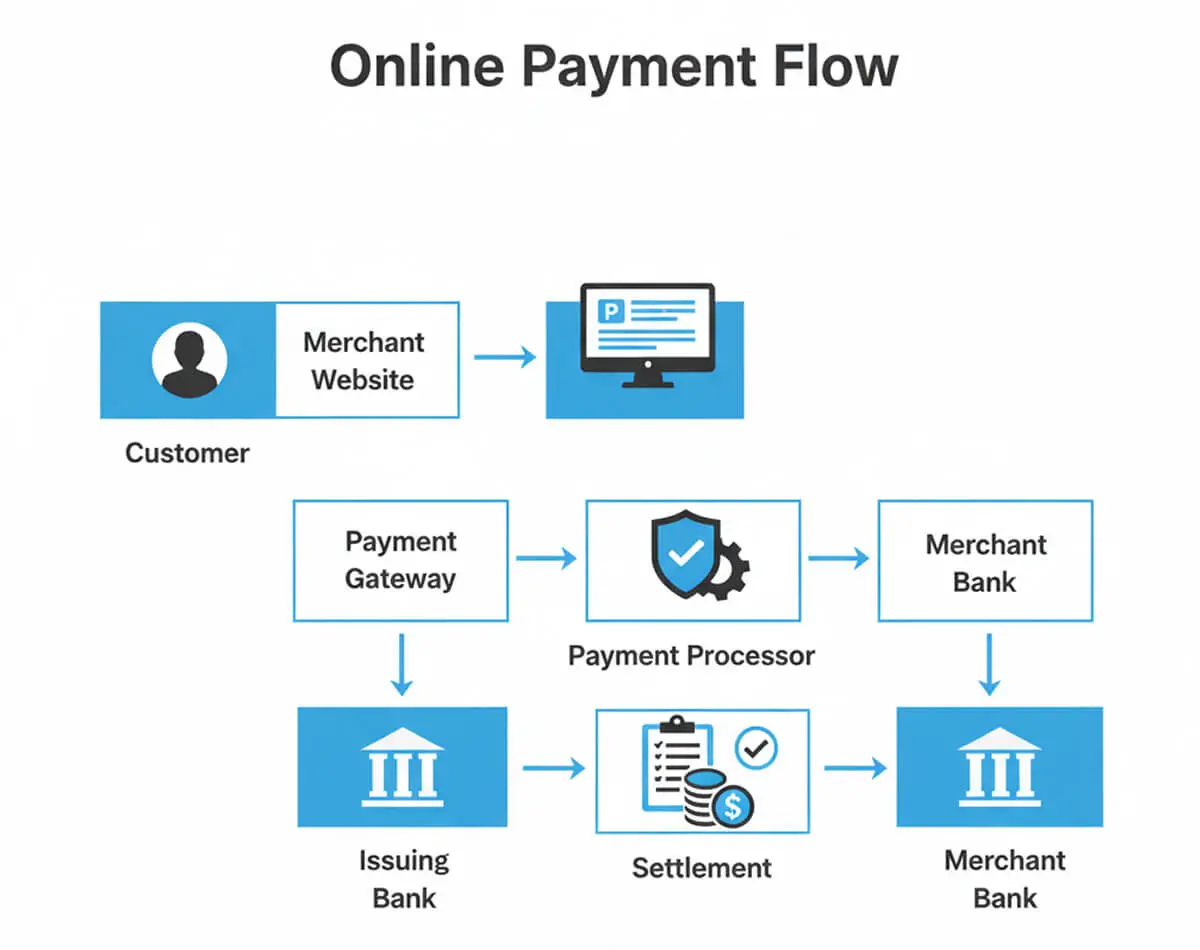
“Payment flow diagram”
Caption: From checkout → gateway → processor → confirmation → reconciliation. -
“Methods comparison table”
(reuse the pros/cons table visually) -
“Setup checklist graphic”
Caption: Coverage → Reliability → Optimization. -
“Fraud & compliance stack”
Caption: Tokenization, monitoring, PCI scope, dispute handling.
Online Payments for Small Businesses: Practical Priorities
- cards,
- one wallet option,
- payment links or invoices.
Final Takeaway