
We’ve all been there. You check your bank statement and spot a charge for that streaming service you forgot about, the fitness app you never use, or a subscription you thought you’d already canceled. It’s frustrating, but you’re not alone – and more importantly, you’re not without options.
Recurring payments, also known as automatic payments, are designed to make life easier. They power the subscription model that so many services rely on today, from entertainment and software to wellness and utilities. But when you no longer need a service, stopping those charges shouldn’t feel like solving a puzzle.
In this post, let’s go through every sensible way to cancel recurring payments in 2026 – whether it’s connected to your debit card, credit card, PayPal account or bank account or a mobile app. We’ll also give recommendations for what to do if things don’t go well, and how to protect yourself in the future.
What Are Recurring Payments & How Do They Work?
Recurring payments are auto-charges that occur come through periodically – daily, weekly, monthly or yearly. They are a favorite tool among businesses that work on subscription models, like:
- Streaming platforms (Netflix, Spotify)
- Membership services (gyms, clubs)
- Software & app subscriptions
- Utility and phone bills
There are two main types:
- Fixed payments: The same amount is charged each cycle (e.g. Netflix plan every month).
- Variable payments: The amount varies, based on usage (e.g., an electricity bill).
But, convenient as it is, automatic payments may also become lost in the shuffle. The good news? You have the power to stop them.
Why Stopping Recurring Payments Can Be Tricky (And How to Overcome It)
Before diving into the “how,” it’s worth understanding why stopping recurring payments isn’t always straightforward. Many companies design their cancellation flows to be less visible than sign-up processes – a practice sometimes called “dark patterns.” You might find the “Cancel” button buried in settings, or be offered a discount instead of an immediate cancellation.
And a few give phone cancellations only during business hours or have wait times. Knowing this ahead of time at least helps you prepare: be armed with details from your account, be patient and keep at it. Besides, consumer protection laws in many areas require companies to have a clear and easy way to cancel.
How to Stop Recurring Payments: Step-by-Step (2026 Edition)
1. Through the Service Provider (The Direct Approach)
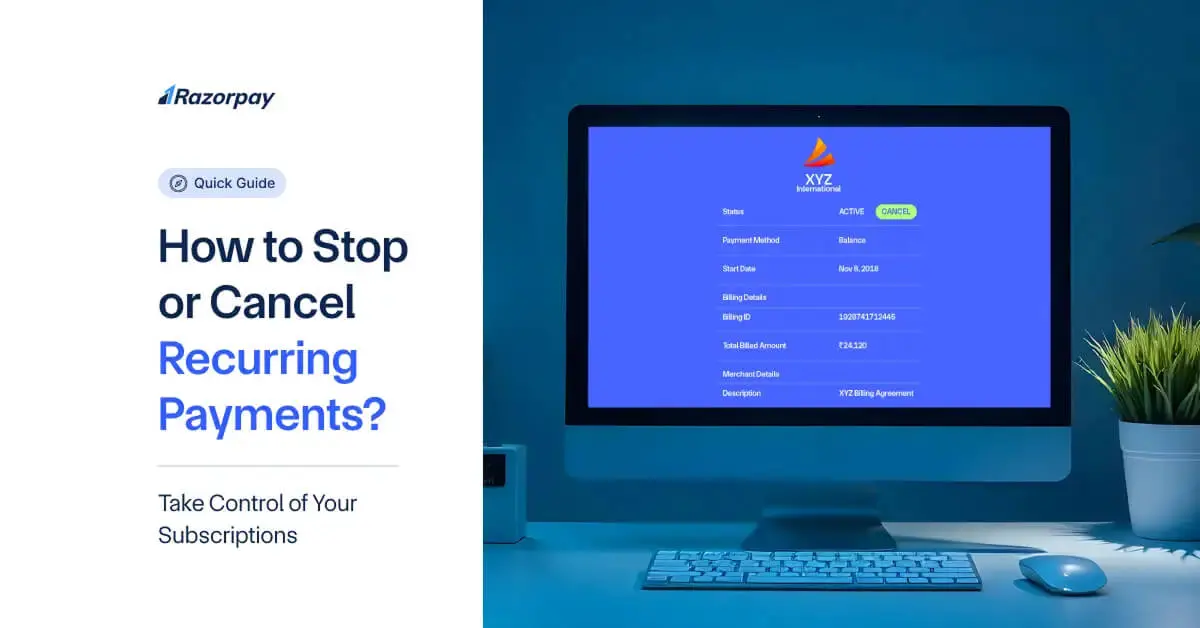
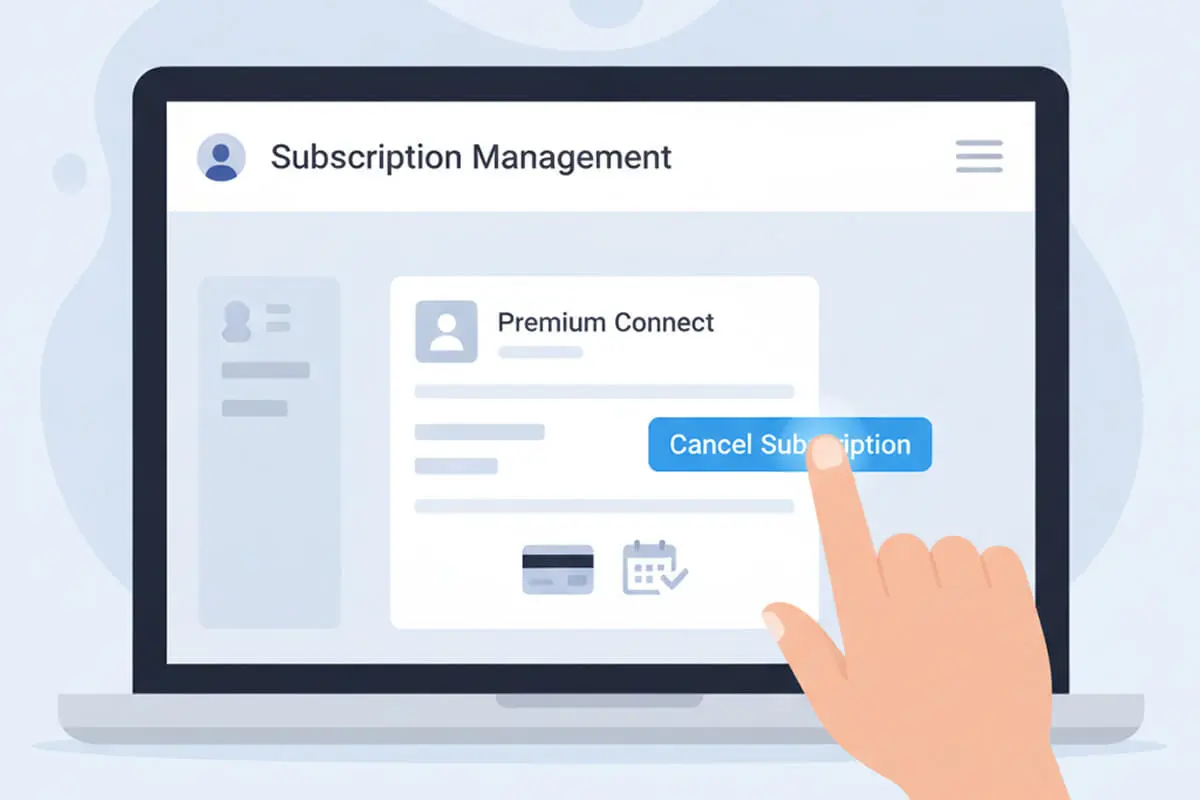
The first and cleanest way to stop recurring payments is to cancel directly with the company:
- Log into your account.
- Navigate to Settings > Subscriptions or Billing.
- Select Cancel Subscription or Turn Off Auto-Renew.
- Save confirmation via email or screenshot.
Many providers now offer instant cancellation through their website or app. If not, contact customer service by phone or chat. Be polite but firm, and note the representative’s name and the date of your request.
Pro Tip: If you’re canceling because of financial hardship, many companies have retention departments that may offer pauses, discounts, or flexible payment plans. It never hurts to ask.
2. Through Your Bank or Card Issuer
If the merchant is unresponsive or you can’t access your account, your bank can help.
- Credit/Debit Card: Call your card issuer or use their mobile app to revoke authorization for future payments. Do this at least 3 business days before the next charge. Under card network rules (Visa, Mastercard), you have the right to block future recurring charges from a specific merchant.
- Bank Account (Direct Debit): Contact your bank to issue a “stop payment order.” Some banks charge a small fee, but it prevents further debits. Provide the merchant name, amount, and date of the last transaction.
Remember: Stopping recurring payments at the bank level doesn’t cancel your contract. You may still owe money for services already received. Always follow up with the merchant in writing to confirm the cancellation of your subscription.

3. Via PayPal, Apple Pay, and Other Digital Wallets
Digital wallets frequently serve as intermediaries and can simplify the management of subscriptions all in one place.
- PayPal: Navigate to Settings > Payments > Manage Automatic Payments. Choose the merchant and click Cancel.You’ll receive an email confirmation.
- Apple Pay/Google Pay: Manage your subscriptions through your Apple ID or Google Account settings. On Apple, navigate to Subscriptions in the App Store or iCloud settings. For Google,go to the Payments & Subscriptions section of the Google Play Store.
These services may also have a dispute resolution service if you are charged after cancellation.
4. For Mobile Apps & In-App Subscriptions
- IOS: Go to Settings > [Your Name] > Subscriptions.
- Android: Launch Google Play > Profile > Payments & Subscriptions.
Cancel directly there. If you glance through and any charges are still there, immediately reach out to the app’s or content’s support team. Note: Uninstalling the app will not cancel a subscription.
5. If You’re Under a Contract
Some services come with minimum terms (such as annual tiers, gym memberships). Check your agreement:
- Termination prior to expiry may cost you.
- You may owe something for the rest of that balance.
If service is bad, take a picture (screenshot, email) and argue. Bring up relevant consumer protection laws – in some cases, companies will drop charges rather than risk escalation.
Do you have any more questions?
Fill out the form and we will contact you
*By submitting this application, you consent to the processing of your personal data in accordance with the privacy policy.
Special Scenarios: International Subscriptions and Multi-Currency Charges
With more people subscribing to global services, you might face charges in foreign currencies. Here’s how to handle them:
- Notify Your Bank: Inform them of the international merchant to avoid fraud alerts blocking the cancellation.
- Use Multi-Currency Tools: Some fintech apps (like Revolut or Wise) allow you to freeze virtual cards or set spending limits per merchant.
- Check Exchange Rates: If disputing a charge, note the exchange rate used on the transaction date.
Platforms like BillBlend, which support 70+ currencies, can also help track and manage cross-border subscriptions in one dashboard.
Take Back Control: Essential Apps to Track Your Subscriptions
Let’s be honest, those monthly charges have a way of sneaking up on us. One minute you’re signing up for a free trial, and the next, you’re staring at your bank statement wondering what “PremiumPlusCloud” is and why it costs $14.99. You’re not alone – this is the modern “subscription creep.”
The good news? You don’t have to manually sift through statements anymore. A new wave of clever tools is here to play detective for you, putting you back in the driver’s seat. Think of them as your personal financial concierge for the subscription economy. Here’s our hand-picked guide to the best helpers for 2026.
1. Your New Best Friends: Dedicated Subscription Trackers These apps are built for one job: finding every last subscription you have.
- Rocket Money (the Negotiator): This powerhouse doesn't just find your subscriptions – it can help you cancel the ones you don't want and even call companies to negotiate your bills down. It’s like having a savvy friend in your pocket.
- The Visualizers (Subtract, TrackMySubs): Perfect for anyone who likes to see the big picture. These apps let you input your subscriptions to create a clear, visual dashboard of where your money goes each month. They’re fantastic for setting budgets and getting gentle "heads-up" reminders a few days before a renewal.
- The Hidden Tool in Your Pocket: Before you download anything, check your phone's built-in settings. On iPhone, go to Settings > [Your Name] > Subscriptions. On Android, open the Google Play Store > Profile > Payments & Subscriptions. You might find surprises (and an easy cancel button) right there.
2. Smarter Ways to Pay: Fintech & Banking Tools
Stop giving every website your real card number. These tools add a layer of control and security.
- The Trial Killers (Revolut, Wise, Privacy.com): Signing up for a free trial? Use a virtual card from one of these services. You can set it to expire in a month or cap the spend at $1. Boom – no more accidental charges when you forget to cancel.
- Your Bank Might Already Be Helping: Check your banking app! Many, like Chase and Capital One, now have a "Recurring Payments" or "Subscription Management" section that automatically identifies these charges. It’s becoming a standard, must-use feature.
3. The All-in-One Hub for Global Services: BillBlend If you subscribe to services worldwide (a streaming app here, a design tool there), juggling currencies is a headache. Platforms like BillBlend solve this by letting you manage subscriptions across 70+ currencies in one clean dashboard. It’s a game-changer for digital nomads and anyone with an international appetite for content and tools.
A Quick Word on Safety & Making It Stick
- Security First: When an app asks to connect to your bank (called "open banking"), make sure it's a reputable name. Always turn on two-factor authentication (2FA). It's an extra step that's worth the peace of mind.
- The Real Goal is Clarity: The point isn't just to track – it's to audit. Every few months, look at your list and ask: "Does this still bring me value or joy?" If not, that's your cue to cancel. These tools give you the clarity to make that choice.
Taking an hour to set one of these up is one of the highest-return tasks you can do for your finances. It turns passive anxiety into active control, and that’s a feeling worth subscribing to.
What to Do If Unauthorized Charges Continue
- Save Everything: Keep your emails, chat logs and traces of phone calls. Screenshot the request of cancellation and confirmation.
- Dispute with Your Bank: Send a formal dispute for the unauthorized charges. You’re typically covered under card network rules. Provide all documentation.
- Report the Merchant: If the merchant is on a service like PayPal or Stripe, let it know. You can complain to your national consumer protection agencies (FTC in the US, Financial Ombudsman in the UK).
- Try a Chargeback: If all else fails, you’ll also be able to file for a chargeback with your card issuer.
This reverses the transaction. However, consider this a last resort, and only if the merchant refuses to refund you despite having proof of cancellation.
How to Prevent Unwanted Recurring Charges in the Future
- Use Virtual Cards: Some banks and services (like Revolut, Privacy.com Privacy.com, or BillBlend) offer disposable card numbers for free trials. Set a low limit or expiry date to avoid unwanted charges.
- Set Calendar Reminders: Mark renewal dates a few days in advance. Use digital calendars with notifications.
- Review Statements Monthly: A quick scan can catch forgotten subscriptions. Many banks now categorize recurring charges automatically.
- Use Subscription Management Tools: Apps like Truebill, Bobby, or even built-in tools in platforms like BillBlend help track, organize, and cancel recurring payments.
- Read Terms Before Signing Up: Look for cancellation policies, minimum terms, and price increase clauses. Avoid long commitments unless necessary.
This reverses the transaction. However, consider this a last resort, and only if the merchant refuses to refund you despite having proof of cancellation.
Final Thoughts
Pain-free ways to stop paying someone. Taking some simple steps – whether through the provider, your bank or a payment platform – can help you stay in control of your subscriptions and avoid unwanted charges.
Be proactive and remain organized as the subscription economy booms in 2026. Check your active subscriptions every few months with these tools, use other resources to help manage them and don’t be afraid to contact customer service or your bank when necessary.
Here’s to less mystery on your bank statement – and a bit more peace of mind.
BillBlend supports over 100 payment methods and 70+ currencies, helping you manage payments smoothly and transparently. Need help streamlining your subscriptions or business billing? Explore our tools today.

FAQ: Your Questions, Answered
Do I have the ability to halt recurring payments if I’m under a contract?
On the plus side, you might have to pay money. Review your contract – some allow early cancellation for a fee, or require the remainder of what you’d effectively owe. If you receive bad service, you might have grounds to cancel without paying the fee. Never say or do anything without writing, and documentation.
If a payment is stopped, will it impact my credit score?
Not directly. But if you owe money and fail to make payment, the merchant could turn your debt over to collections — which can damage your credit. You should always contact and pay the provider any money that is legally owed.
How do I put a halt to automatic payments from an unresponsive company?
Contact your bank to stop the withdrawal. Give them the information about the merchant and any proof of attempting to cancel. A stop payment order can prevent future transactions from being processed. Also file a report with consumer protection agencies.
Can I stop an app from charging me beyond this month?
Yes. Visit your app store subscriptions (iOS: App Store; Android: Google Play) or from inside the app via account settings. If you don’t see it, reach out to the support team for the app. And remember: if you cancel through the app store, it’s only a stop in billing – not necessarily a deletion of your account with the service.
Is this going to work just like stopping payment being different than canceling a subscription?
No Stopping the payment will block excessive charges but it may not cancel your contract. Never forget to first cancel your subscription with the provider in order not to end up in legal or debt-collection actions. Use bank-level blocks only as a last resort.
What do I do if I’m charged after having canceled?
Ask for a refund from the merchant first. If it is not, dispute the charge with your bank or card issuer. Add your proof of cancellation to support your claim. Most banks have a 60 – 120 day period to dispute charges, so don’t wait.
Do you have any free resources to organize monthly payments?
Yes. Most budgeting apps (such as Mint, YNAB) identify recurring charges. BillBlend also provides multi currency and payment method subscription tracking. In fact, some banks now provide subscription management tools via their mobile apps.